

How to Turn Customer FAQs Into Automated Workflows (And Scale Without Losing the Human Touch)
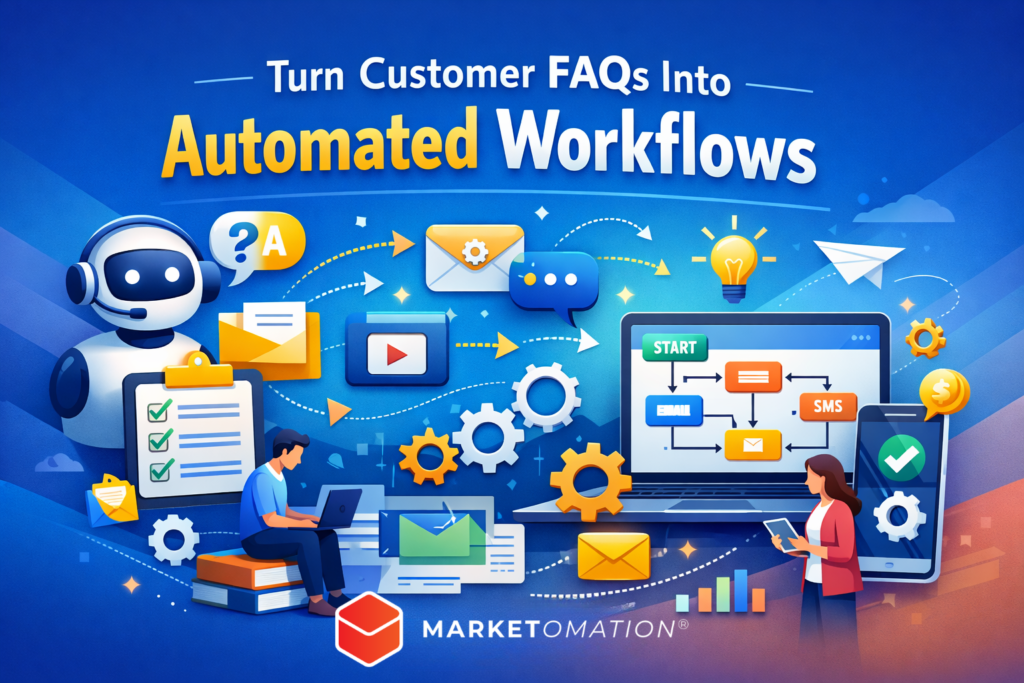
Every business collects customer questions—before the sale, during onboarding, and long after the transaction is complete. Most teams treat FAQs as static content: a help page, a support doc, or a chatbot script.
But high-performing businesses do something different.
They turn FAQs into automated workflows that reduce friction, improve conversions, and create a seamless customer experience—without adding headcount.
If you’re answering the same questions repeatedly, you’re sitting on one of the most valuable automation assets in your business.
Why FAQs Are a Hidden Automation Goldmine
Customer FAQs are not just questions—they are signals.
They reveal:
- Buying objections
- Points of confusion
- Decision-making gaps
- Post-purchase friction
When structured correctly, these signals can trigger automated responses, nurture sequences, and operational workflows.
Translation: every repeated question is an opportunity to build a system.
Step 1: Categorize FAQs by Stage of the Customer Journey
Before automating anything, organize your FAQs into lifecycle stages:
1. Pre-Sale (Conversion)
- “How does this work?”
- “Is this right for me?”
- “What makes you different?”
2. Onboarding (Activation)
- “What do I do first?”
- “How do I access everything?”
- “Where do I start?”
3. Post-Sale (Retention & Expansion)
- “How do I get better results?”
- “What’s next?”
- “Can I upgrade?”
This classification determines what kind of automation you build.
Step 2: Map Each FAQ to a Trigger
Automation starts with a trigger. For each FAQ, identify what action or behavior should initiate the response.
Examples:
| FAQ Type | Trigger | Workflow Action |
|---|---|---|
| Pricing concern | Visits pricing page twice | Send objection-handling email |
| Onboarding confusion | Purchase completed | Trigger onboarding sequence |
| Feature question | Clicks specific link | Send feature walkthrough |
This is where most businesses fall short—they answer questions manually instead of designing trigger-based responses.
Step 3: Turn Answers Into Multi-Step Workflows
A single FAQ should rarely be a single response.
Instead, expand it into a structured workflow:
Example: “How does this work?”
Instead of:
One email or a help article
Build:
- Email 1: Overview and positioning
- Email 2: Step-by-step walkthrough
- Email 3: Case study or proof
- Email 4: CTA to take next step
This transforms a basic answer into a conversion engine.
Step 4: Choose the Right Automation Channels
Different FAQs perform better in different formats. Don’t rely on just one channel.
High-Impact Channels:
- Email Sequences – best for nurturing and education
- Chatbots – ideal for real-time objections
- SMS – effective for urgency and reminders
- In-App Messages – critical for onboarding
- Video Responses – increases clarity and engagement
The goal is not just to answer—but to answer in the context where the question arises.
Step 5: Personalize Using Conditional Logic
Not all customers are asking the same question for the same reason.
Use conditional logic to tailor responses:
- New leads vs. returning visitors
- High-ticket vs. low-ticket buyers
- Engaged vs. disengaged users
For example:
- A new lead asking about pricing needs reassurance
- A returning lead needs urgency or incentive
Same FAQ. Different workflow.
Step 6: Build a Centralized FAQ Automation System
Instead of scattered responses, create a centralized FAQ workflow engine.
This includes:
- A master FAQ database
- Tagged triggers (behavior-based)
- Pre-built automation sequences
- Integrated CRM tracking
This structure allows your business to:
- Scale support without scaling cost
- Maintain consistency in messaging
- Continuously optimize based on data
Step 7: Optimize Based on Performance Data
Once live, treat your FAQ workflows like marketing campaigns.
Track:
- Open rates (email workflows)
- Click-through rates
- Conversion rates
- Support ticket reduction
- Time-to-resolution
Then refine:
- Messaging
- Timing
- Channel selection
- Sequence length
Your FAQs should evolve as your customers do.
Common Mistakes to Avoid
Most businesses attempt FAQ automation—but miss the mark.
Avoid these pitfalls:
- Treating FAQs as static content instead of dynamic workflows
- Automating too early without understanding patterns
- Overcomplicating workflows without clear triggers
- Ignoring personalization
- Failing to connect FAQs to revenue outcomes
Automation should simplify—not create complexity.
Final Thought
Customer FAQs are not a support function—they are a growth lever.
When you transform them into automated workflows, you create:
- Faster customer experiences
- Higher conversion rates
- More scalable operations
At MarketOmation, we specialize in turning everyday business processes—like FAQs—into intelligent, automated systems that drive real results.
Because the businesses that win aren’t answering more questions…
They’re building systems that answer them automatically.